Screenshots.
Ready when you are.
Choose your screenshot folder. Planty collects new captures so you can preview them and drag them into another app.
CapturePreviewShare
Add arrows, text, and blur.
Planty for Mac
Clipboard history, screenshots, and quick notes.
Right in your menu bar.
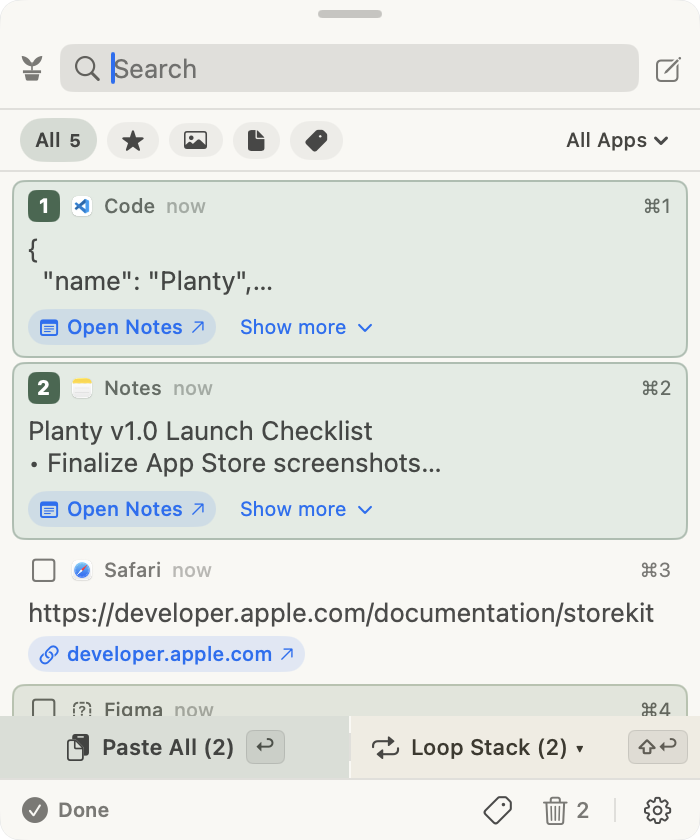
The text, links, images, and files you copy, together in one searchable history. Favorite the keepers. Jot down a note.
Choose your screenshot folder. Planty collects new captures so you can preview them and drag them into another app.
Add arrows, text, and blur.
Text editing
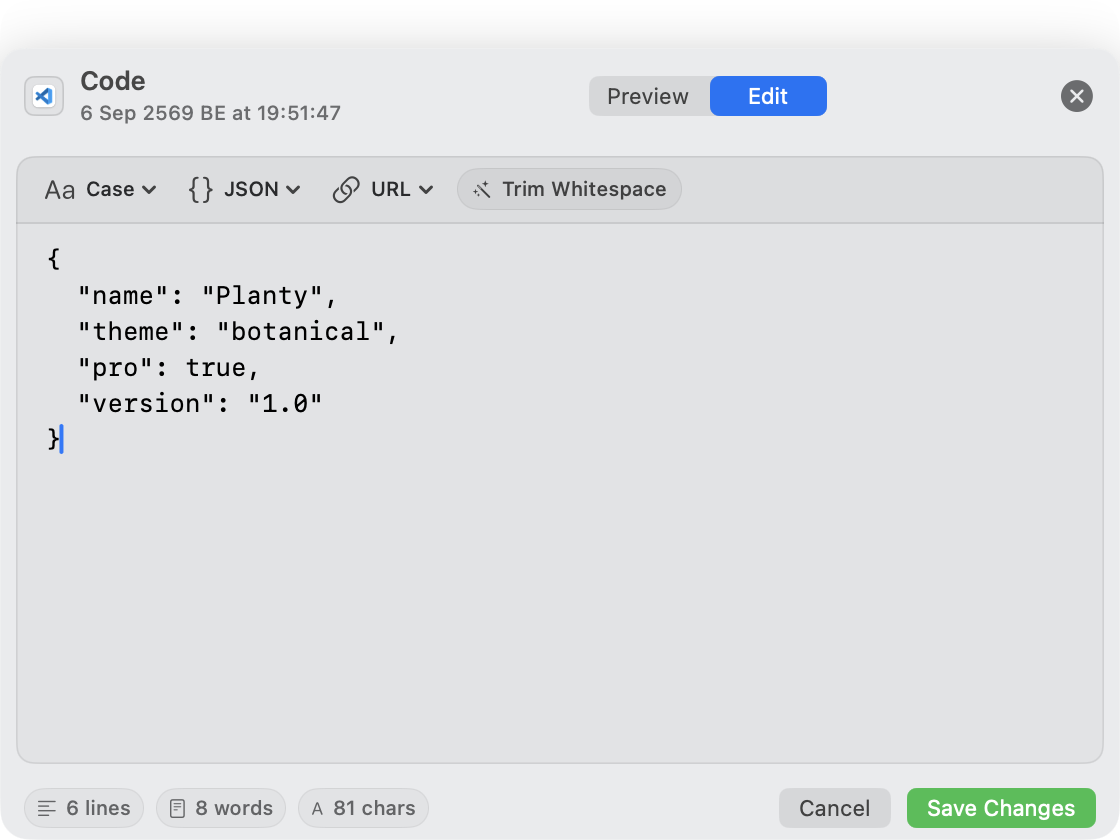
Fix a snippet, change its case, format JSON, or trim whitespace. Right where you found it.
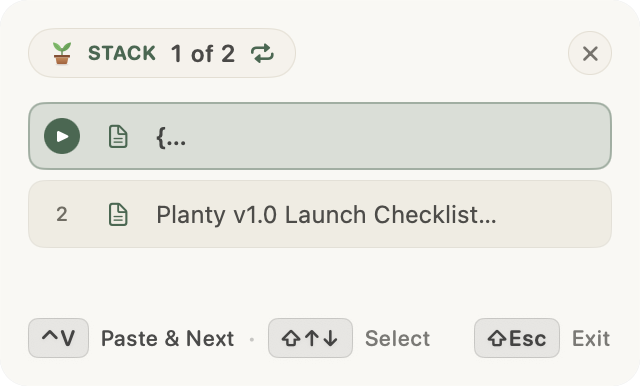
Select clips, start a paste stack, and work through them in order. A small floating panel keeps your place.
Two-item stacks included. Go unlimited and loop with Pro.
Open Planty with ⌘B. Search your history. Press Space to preview. Make the shortcut yours in Settings.
Clips stay local. Exclude apps or pause recording whenever you like. Content marked as concealed is skipped.
Link previews contact the linked website.
Read about privacy
A decorative plant widget. Just there to make your Mac feel a little more yours.

Available now on the Mac App Store. For macOS 14 or later.
History, screenshots, notes, editing, annotation, and two-item stacks.
Unlimited stacks, looping, premium customization, and more.